
Table of Contents
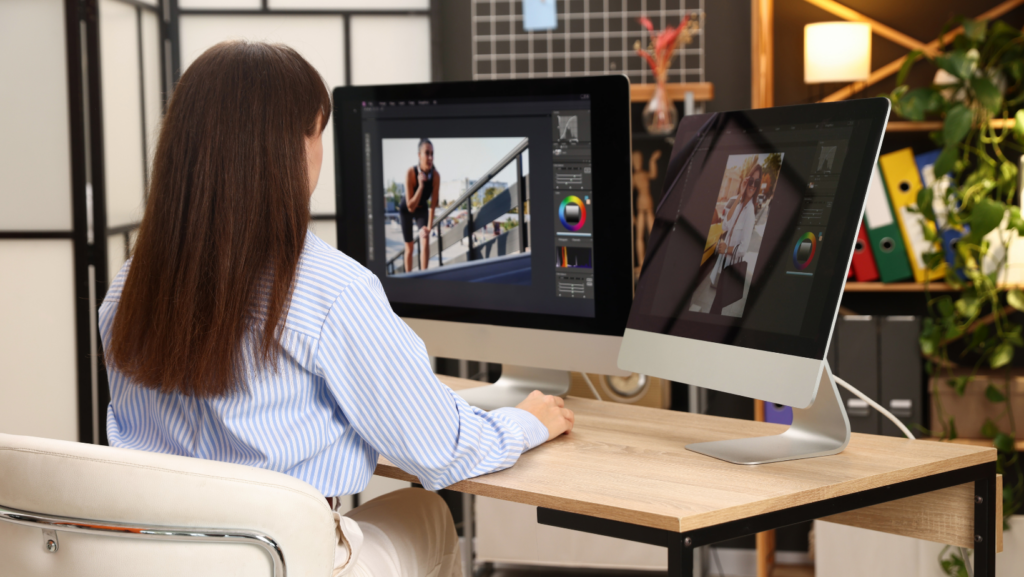
ToggleLet’s be honest: in the tech world, we’re all expected to be “multi-hyphenates.” Whether you’re a developer, a product manager, or a startup founder, you’ve probably found yourself in a position where you needed a high-quality graphic—fast. Maybe it was a thumbnail for a DevLog, a social media post for a product launch, or a clean header for a technical documentation site.
The problem? Most of us don’t have three hours to spend fiddling with anchor points in a heavy-duty desktop editor. We need professional results, but we need them at the speed of the modern web.
That’s where Adobe Express has really changed the game for me. It’s not just a “lightweight” version of something else; it’s a productivity engine. Today, I want to walk you through how to stop over-engineering your designs and start using smart tools to get your time back.
The “Good Enough” Trap vs. Professional Polish
There is a common misconception in tech that if you don’t use the most complex tool available, your output isn’t “professional.” But professionalism isn’t defined by the difficulty of the software; it’s defined by the quality of the final result and the consistency of your brand.
Speed is a feature, not a compromise. When you can take an idea from your brain to a finished PNG in five minutes, you free up your mental bandwidth for the actual “heavy lifting” of your job—like coding or strategy.
1. Start with the “Quick Actions” (The Real Time-Savers)
Most people open a design app and immediately look for a blank canvas. Don’t do that. If you want to move fast, you have to leverage the built-in Quick Actions.
Adobe Express has a suite of AI-powered tools that handle the tedious stuff in one click. Think about how much time we usually spend masking out hair or trying to remove a messy office background from a headshot. Instead of doing it manually, you can achieve a clean look with Adobe Express background eraser in seconds.
Once that background is gone, you’re left with a clean, transparent asset that you can drop onto any brand-colored background or gradient. It’s these small wins—saving 10 minutes here and 15 minutes there—that allow you to stay in “the flow” rather than getting bogged down in technical execution.
2. Master the Art of the Remix
Templates often get a bad rap for being “unoriginal.” But in a professional setting, a template is just a sophisticated starting line.
The trick to using templates without looking like everyone else is the “Two-Step Rule”:
By changing just these two elements, you’ve leveraged a professional layout designed by a pro, but the visual identity is now uniquely yours. It’s the ultimate shortcut for creating “Design System” style graphics without actually building a design system from scratch.
3. Leverage Generative AI (Generative Fill and Text-to-Image)
We’ve all been there: you find the perfect stock photo, but it’s the wrong aspect ratio, or there’s an annoying object in the corner.
Adobe’s integration of Firefly (their generative AI) inside Express is a literal lifesaver for tech pros. If you need a “laptop on a desk” photo but want it to look like a futuristic lab, you can use Generative Fill to swap out the environment. Or, if you need a very specific icon—say, a “robotic cat typing on a mechanical keyboard”—you can generate it right there in the side panel.
The key here is intent. Don’t let the AI do the thinking for you; use it to generate the specific assets that would otherwise take you hours to find or create.
4. Building Your Brand Kit
If you find yourself constantly looking up hex codes or re-uploading your logo, you’re losing hours of your life every month.
One of the first things I do in Express is set up a Brand Kit. You upload your logos, save your primary and secondary colors, and select your fonts. Now, when you’re working on a project, those elements are always one click away. Pairing this workflow with an AI logo generator can make it even easier to create and maintain a consistent visual identity across all your branding materials.
Think of this like your variables.css file. You define it once, and you call it everywhere. It ensures that even if you’re rushing to get a post out at 4:55 PM on a Friday, it still looks like it came from your company’s design department.
5. Collaboration and Real-Time Editing
In the tech niche, we’re used to Git and collaborative docs. Design should be no different. One of the biggest speed bottlenecks is the “Review Loop”—exporting a file, Slack-ing it to a teammate, getting feedback, and re-exporting.
With Express, you can share a live link. Your teammate can jump in, leave a comment, or even tweak a typo themselves. This “single source of truth” approach is exactly how we manage code, and applying it to graphics is a total game-changer for team velocity.
Practical Examples: How I Use These Tools
Closing Thoughts: Efficiency is a Mindset
Designing professional graphics faster isn’t about cutting corners; it’s about using the right tools for the job. Just like you wouldn’t write a simple script in Assembly when Python will do, you shouldn’t spend hours in complex design software for a graphic that a specialized tool can handle in minutes.
By leaning into AI-powered actions, maintaining a solid brand kit, and starting with professional layouts, you can produce content that looks high-end while keeping your focus where it belongs: on your technology and your community.
Give these tools a shot next time you’re under a deadline. You might be surprised at how much “designer” you actually have in you when the tools get out of your way.
About the Author: [Your Name/Handle] is a tech enthusiast and content creator who loves finding ways to optimize workflows and bridge the gap between technical skill and creative execution.